
For Promoters
Stop juggling spreadsheets. Start running shows.
One dashboard for artist invites, lineup management, and event publishing — so you spend less time on admin and more time filling rooms.
Your promoter dashboard runs in any browser at app.oninfive.app — nothing to download.
- 1
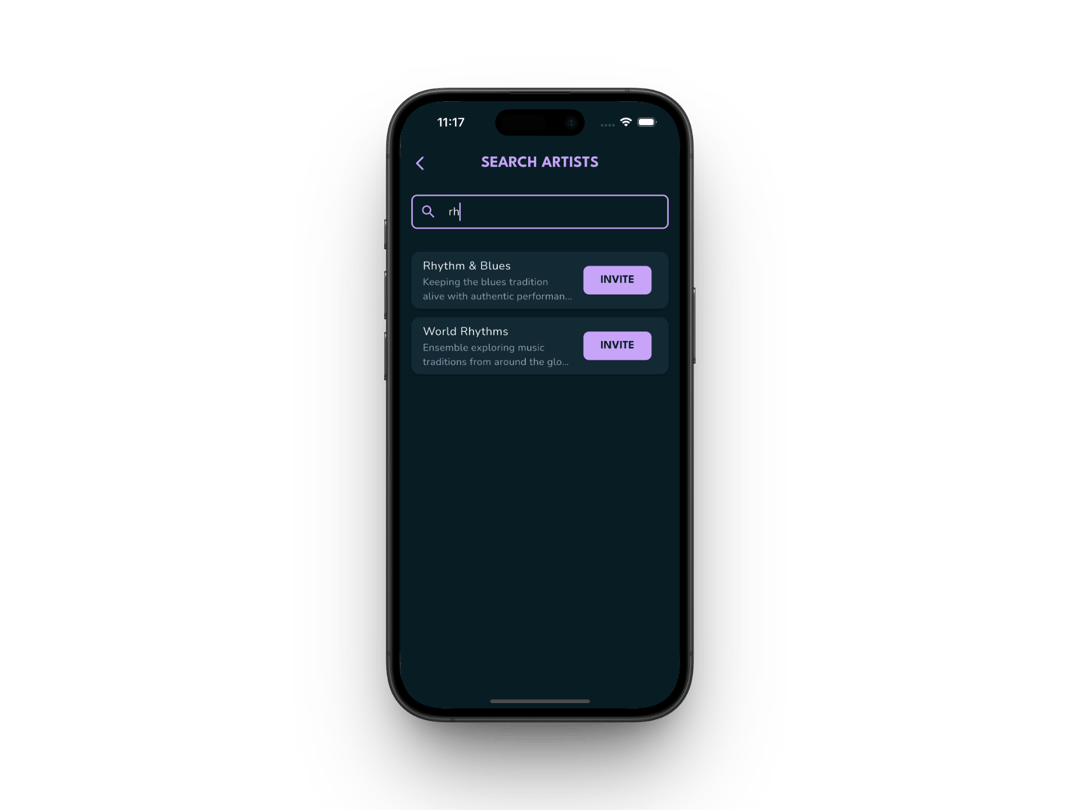
Build your roster
Search for artists, send invites, and track every response from one place.
- 2
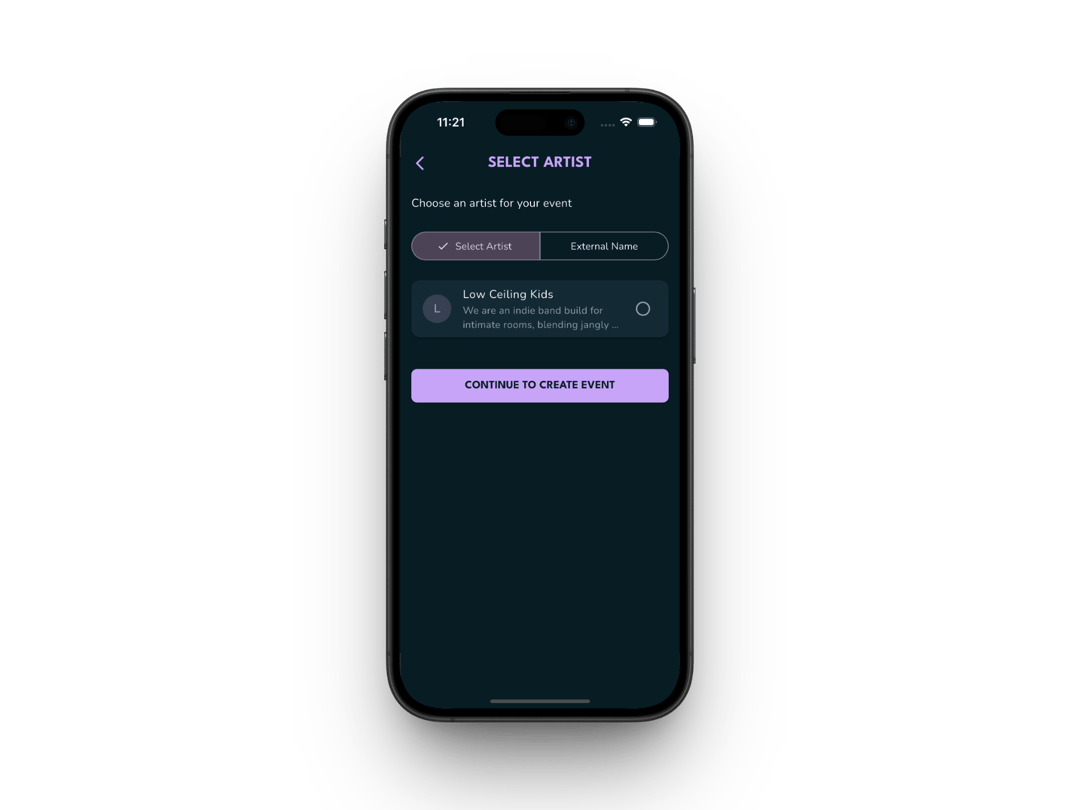
Create events
Pick the artist, pick the venue — details auto-fill so you publish faster.
- 3
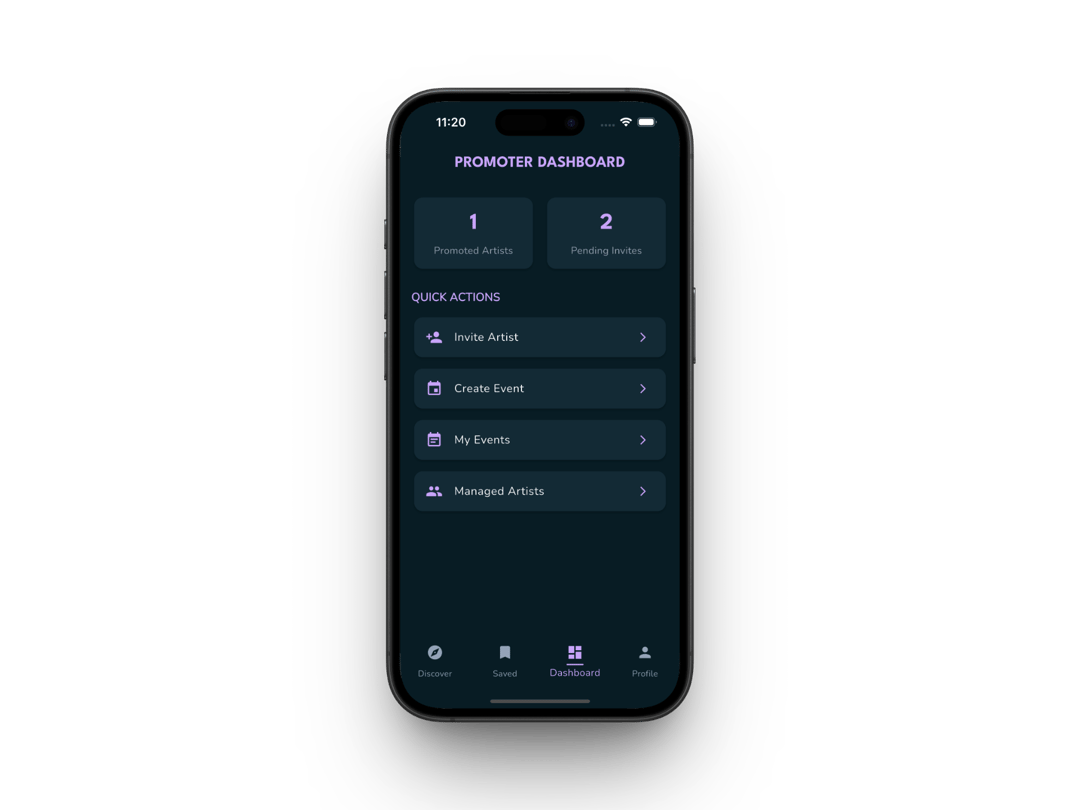
Manage everything
One dashboard for invites, upcoming gigs, and artist relationships at a glance.
Your Artists, One Dashboard
- Set up your promoter account in minutes — no paperwork, no friction
- Search for artists, fire off invites, and track every response live
- See pending invites and active relationships side by side
- One daily view for everything that needs your attention
Events Without the Hassle
- Build events for managed artists or drop in guest act names
- Pick the artist, pick the venue — details auto-fill so you publish faster
- Edit anything on the fly and fans see the update instantly
- Every event goes straight to the map where nearby fans are already looking
Inside your dashboard
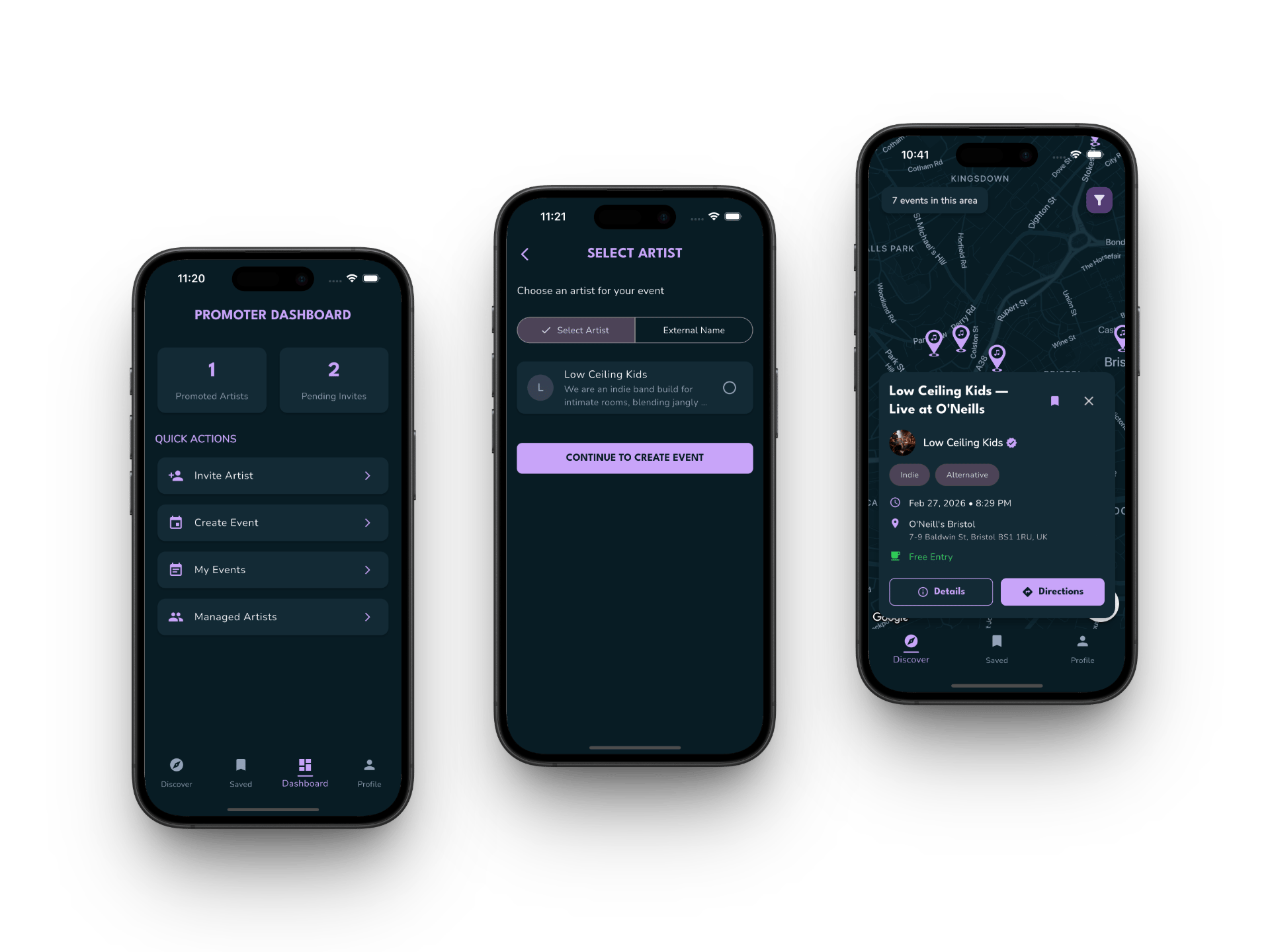
Pictured on mobile — your dashboard runs on any device, right in the browser.
Your dashboard is live on the web
Sign up free at app.oninfive.app to create your profile and start publishing events — right from your browser, nothing to download.
By joining, you agree to our Terms and Conditions and Privacy Policy.